This Blog is specifically tailored for issues relating to Educational and Instructional Technology (teaching and learning, instructional design, curriculum studies etc). It's a place where teachers, instructors, educators and more can communicate and share our edifying points of view, links, trends, goals, links and the like.
Feel free to join us
:-)
For this post, I'd like to focus on Maeda's (2006) law of trust. In his discourse on trust as a law of simplicity, Maeda elaborates on the ways in which predictive textual platforms for example, sometimes require some degree of trust. More than just graphical designs and imagery, videos etc, this law focuses on the information details that various media platforms can predict and insert without you having to type/insert anything - talk about intuition! LOL.
But more than the information, Maeda (2006) states that sending/communicating predictive information inserted by your technology/media device to another person (especially if it's something that you choose not to read before sending it) requires a significant deal of trust. So the question I now ask, do you trust your media device (phone, computer etc) enough to send messages (sometimes automatically) on your behalf?
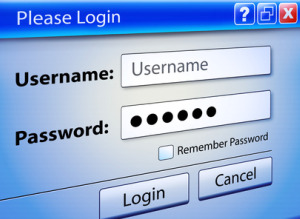
In essence, what your device is probably trying to do is to make things easier....more efficient...more convenient for you. Upon reviewing this law I immediately remembered the many accounts and passwords my computer logs in automatically....I couldn't explain it via text but I knew exactly what I was trying to say/communicate, and the image I had in my head. So when I saw this graphic below, it hit the nail on the head!😄😅🙌🙌🙌🙌 - it's exactly the image I had in mind when I was re-reading this law....and I use this media feature almost all the time because it just helps to make life #simpler and with my busy schedule, that's just what I need #lawsofsimplicity 😃😁😀😎😅
Even this blogging platform, I learned a while now how to schedule blog posts in advance....so posts can be created and automatically published at a subsequent date as Maeda (2006) acknowledges...and that requires the element of #trust #insimplicitywetrust
This week, I'd like to focus on Maeda's (2006) seventh law - Emotions. This law will require us to go beyond the basic level of black and white (paper and text) and add embellishments that convey further details such as the emotions that go along with the message we are trying to communicate. Maeda (2006) encourages the use of emotions in message design, and one of the things that stood out to me while reading that chapter/section in his book was the common proverb that "feeling follows form".
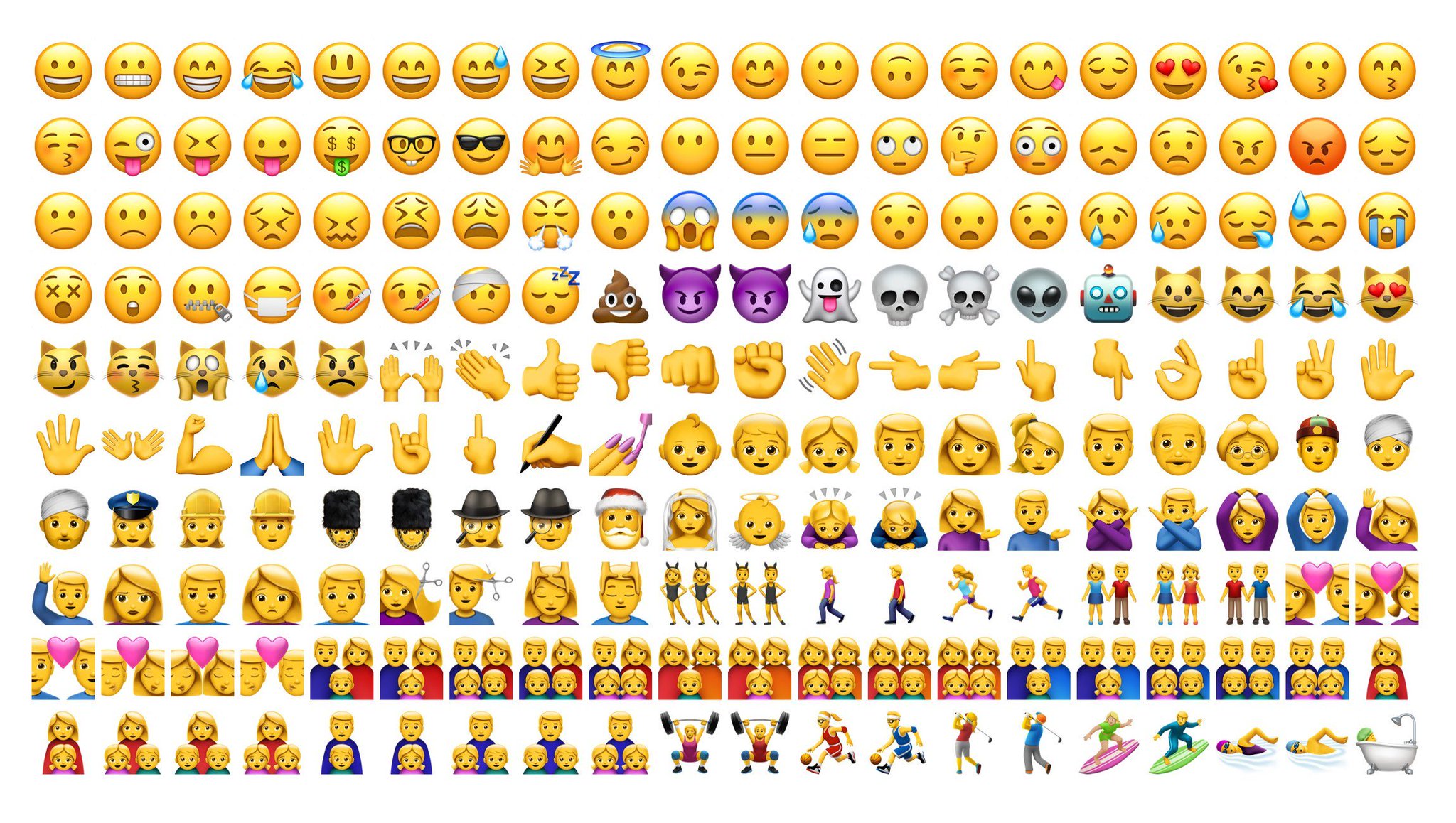
Reading this immediately had me thinking about the range of emojis I frequently use on several digital/mobile platforms such as Watsapp, Facebook, Instagram etc. The graphic below illustrates the range of emotions that I typically use multiple times...roughly every day I use these emojis/emoticons....especially in regular conversations with my family, friends, colleagues etc on Watsapp....and this platform provides quite a diverse collection of emojis to pull from (see below):
I find that they allow me to add a bit of my personality into the messages I'm communicating and certainly help in conveying feelings/emotions such as the feelings of happiness, confidence, frustration, sadness etc. I also use them to communicate higher level (figurative/metaphorical) messages. For example, if I'm trying to use sarcasm, humor just or just throw "shade" (as I explained in a previous post) I might use these:
It seem strange but very often in these conversations I may not need text but just rely on emojis to convey my messages. This definitely showcases the interpretational function of graphics (Clark and Lyons, 2010). I think this is precisely why Maeda (2006) acknowledged the law of emotions as one of his ten laws of simplicity in message design. It's hard for me to break the ice, or be informal and loosen up with someone without the use of emojis via online/distant communication, so I agree with Maeda (2006). I've also found that GIFs are great ways of including emotions in messages....and these are quite common on social media platforms (as you can probably tell, I'm a HUGE fan of emojis, GIFs etc in my social media/mobile messages lol).
With the GIFS below, tell me what kinds of emotions do you gather/interpret, and how would you use them in your message designs?
This second GIF I used in last week's post on context, so I'm interested to see what emotions might you attach/interpret from this GIF below. Hahaha.....and here is perhaps where we can see multiple laws that we previously discussed (e.g. time, reduction, context, emotions) being combined in one message/graphic.
This week I'd like to focus on John Maeda's sixth law of simplicity, which is the law of context. We live in a world where ambiguity, misinterpretations etc have become so easily the norm, that to me, context is everything!😮
For Maeda, context is what brings different things into focus at different times...even on the same graphic. Context may even bring things from the foreground into the background and vice versa. I liken it to when I'm trying to have a conversation with someone and instead of focusing/paying attention to what I'm saying, they focus on other "background" elements such as my tone of voice (how I'm saying it), what I might be wearing, or even on details of the immediate surroundings such as a ringing cellphone, a ringing doorbell etc. For Maeda, these may not necessarily be distractions, because "that which
appears to be of immediate relevance may not be nearly as
important compared to everything else around" (Maeda, 2006, p. 54).
So with this principle in mind, I started looking to see instances where this actually occurs....and I thought it would be quite difficult to find such an occasion, but it turned out to be much easier than I thought. The image below was taken by a friend of mine who wanted to highlight the intense game of volleyball we were playing on the beach a few years ago - all friends of mine despite the intense competitiveness lol. But upon looking at the image (which was meant to show us having fun playing volleyball), I was soon preoccupied with the sky (the dark clouds that created the overcast conditions)...I remember looking at the picture with one of my friends in this picture who I was tutoring with his Geography studies at the time.....and it became an illustration for him to describe the atmospheric conditions that normally precede rainfall (e.g. cloud type etc). So for us, our preoccupation and love for Geography 😍😍😍 (context) influenced us to see/focus on the background of the image (such as the dark cloud cover) as opposed to focusing on the main reason the picture was taken to illustrate. Our geographical context allowed us to focus on the periphery than on the primary/original motif behind the picture.....and this is how Maeda's law of context may function.
I think this has implications on the way we understand the various communication functions of graphics, videos and online messages as outlined by Clark and Lyons (2010). Clark and Lyons (2010), identified these communication functions could be decorative, representational, relational etc. But I think context can definitely influence how much we focus/identify these various aspects of graphics.....for example, if I'm into visual Art (context), the image above might have more of a decorative emphasis for me......if I'm into tourism, or living in winter conditions (context) I may focus on the peripheral things such as the sea, the sand and sun, as opposed to the fact that volleyball is being played.
So focusing on this principle, has really helped me to have a totally new respect/regard for context not just in terms of text, but also in terms of graphic designs.
Your Turn:
Based on the aforementioned, what do you focus on in the graphics below....and feel free to explain what led you to focus on it:
Here's one:
Here's another:
I'm excited to see below what peripheral detail (make-up, facial expression or specific minion) stood out to you and why (context e.g. a memory or relationship etc). 😂
For this week, I'd like to focus on Maeda's fifth law - the law of difference. In a nutshell, this law states that simplicity and complexity need each other....in other words, things can't be too simple/simplistic neither too complex #balance I know for me, if something is either one of the extremes, I get turned off like 😐 lol.
Anyways, while thinking about this particular law, and looking at the recent series of hurricanes that hit several parts of the Caribbean and the US, I came across this short presentation (see below) that illustrated what seems to be a complex set of terminologies and information into a simple presentation that's easy to follow/understand.
If I were to use the various functions of graphical communication put forward by Clark and Lyons (2010, I would say that this presentation is not only for informative purposes, but it also fulfills other representational and relational functions while minimizing cognitive load. In so doing, it simply explains what are hurricanes, what are hurricane categories, what does each category mean, what does it look like, and the correlational effects each hurricane category brings on property and human life. I think I could show this video even to my cousins who are still adolescents...one is not even 9 years old, and they would all understand and appreciate this video.